

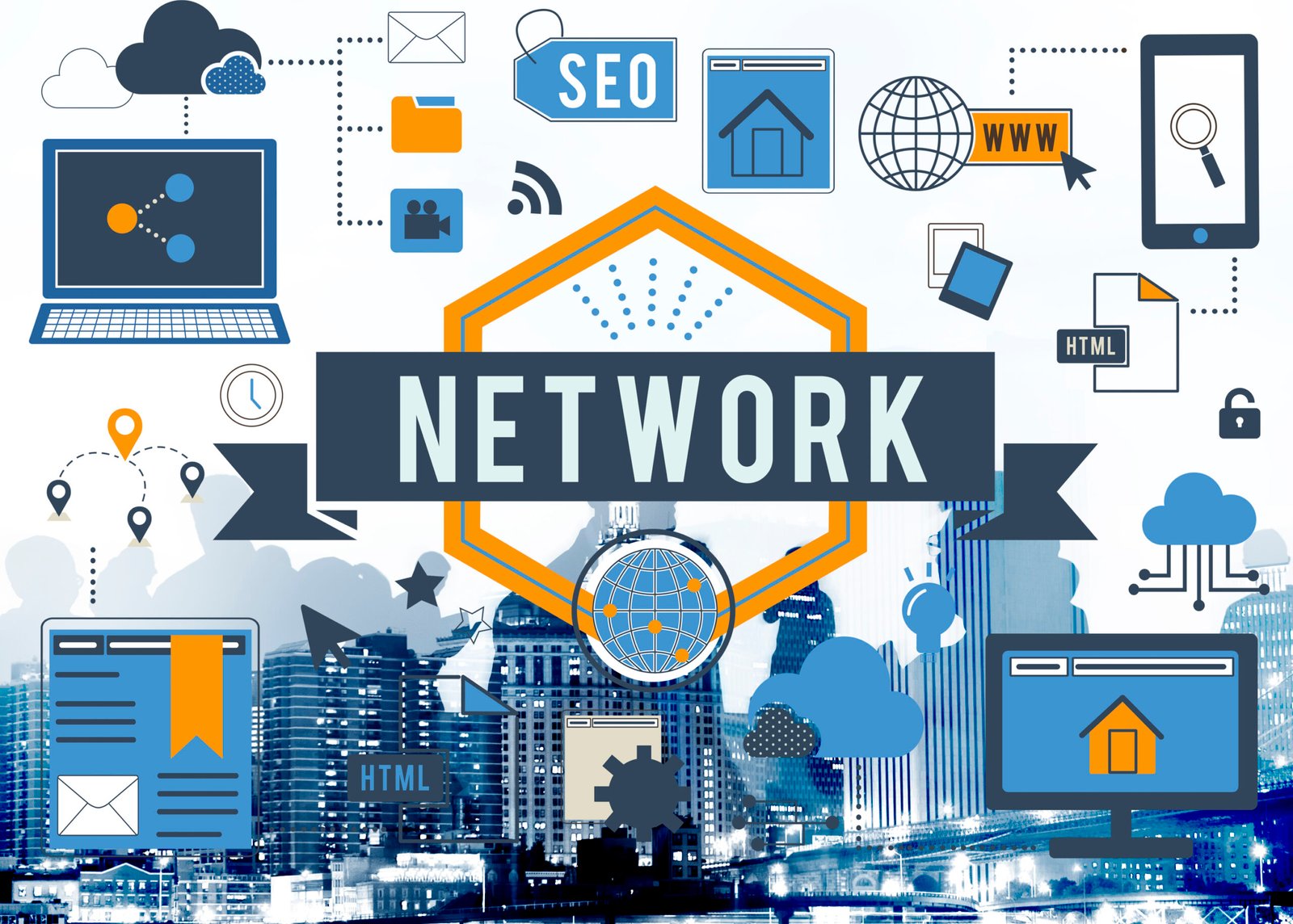
Understanding the Basics of Network in IT (2026): A Complete Guide to Modern Computer Networking
In the digital age that we live in, computer networking is the backbone of modern information technology. This is because every email sent, video streamed, cloud file accessed, and website visited is dependent on the infrastructure that has been set up to enable communication between devices and computers. As we continue into the year 2026 and beyond, the importance of networking has increased due to the emergence and proliferation of cloud computing, artificial intelligence, remote work environments, and billions of devices connected.
We can define computer networking as “a group of computers and other digital devices that communicate with each other through communication channels and exchange information with each other through the interconnection of these computers and devices.” This means that without computer networking, the world would not be able to have the internet, businesses would not be able to operate, and modern technologies such as IoT (Internet of Things) and smart cities would not be possible.
However, networking today is no longer just about connecting computers but also includes data transmission protocols, network security, network infrastructure, cloud networking, high-speed networking, and so on. Therefore, as organizations continue to adopt technology in their business operations, it is vital for IT professionals, students, entrepreneurs, and technology enthusiasts to grasp some of the fundamental concepts of networking.

What Is a Computer Network?
A computer network is defined as a group of connected computer devices using either wireless or cable connections to share data, applications, and resources. The computer devices in this case may include:
- Computers
- Servers
- Smartphones
- Printers
- IoT Devices
- Storage Devices
- Cloud Servers
Each computer device connected to a network is referred to as a node, whereas the connection between these nodes that facilitates their ability to communicate with each other is referred to as communication channels.
Data transmission in computer networks takes place in small portions or pieces referred to as data packets, which carry data as well as instructions on how to deliver it.
Networking allows systems to be interconnected in such a way that they can work together efficiently. For instance, in an organization, employees can access shared information through the organization’s database systems and communicate through the organization’s communication systems. In the global world, the infrastructure of the internet is based on networks connecting billions of users worldwide.
Why Networking Is Essential in Modern IT Infrastructure
Networking, therefore, forms a critical role in supporting modern digital environments. In fact, organizations rely on networking systems to facilitate effective communication, collaboration, data storage, and online services. In the absence of effective networking systems, the pace of business operations would come to a grinding halt, while technological advancement would come to a standstill.
Resource sharing forms a critical advantage of networking systems. In this regard, organizations do not need individual computer systems to have their own resources, such as servers, printers, and other devices, as networking systems allow multiple users to share resources such as servers, printers, and storage devices.
Data accessibility forms another critical advantage of networking systems. In this case, organizations allow their employees who are working remotely to access the company’s networking systems, thus ensuring they can access company resources anywhere in the world.
Additionally, networking systems allow organizations to scale up, meaning they do not need to change the entire IT infrastructure of the organization as they expand. In this case, organizations can easily add more devices to the networking system as they expand.
Finally, networking systems allow organizations to leverage real-time communication technologies, including video conferencing, instant messaging, and collaboration tools. These technologies have transformed the way organizations operate and communicate globally.
Types of Computer Networks
It is important to learn about the different types of networks when you want to learn about IT infrastructure. Generally, computer networks are classified based on the geographic area they cover.
Local Area Network (LAN)
A Local Area Network is used to connect devices that fall within a specific geographic area such as a home, office, school, or university. Generally, LAN networks enable devices to be connected at faster speeds compared to other types of networks due to the proximity of the devices.
Most workplaces today use LAN networks to enable devices such as computers and printers to be connected within the premises. LAN networks can be achieved through the use of Ethernet cables and wireless fidelity connections.
Wide Area Network (WAN)
A Wide Area Network is used to connect devices that fall within a broad geographic area such as cities, countries, and continents. The best example of a WAN is the internet, which connects billions of devices across the world.
WAN networks use telecommunications infrastructure such as fiber optic cables, satellite communication systems, and mobile networks. Organizations that have offices in different locations use WAN networks to connect the offices and the data centers.
Metropolitan Area Network (MAN)
A Metropolitan Area Network (MAN) serves the entire metropolitan area. MAN networks are bigger than LANs and smaller than WANs. They are mostly used by the government and other service providers in providing high-speed network connections.
MAN networks use fiber optic connections since they allow large amounts of data to be transmitted over the network.
Key Components of a Computer Network
For a computer network to perform its functions adequately, it requires certain hardware components that facilitate communication among connected computers.
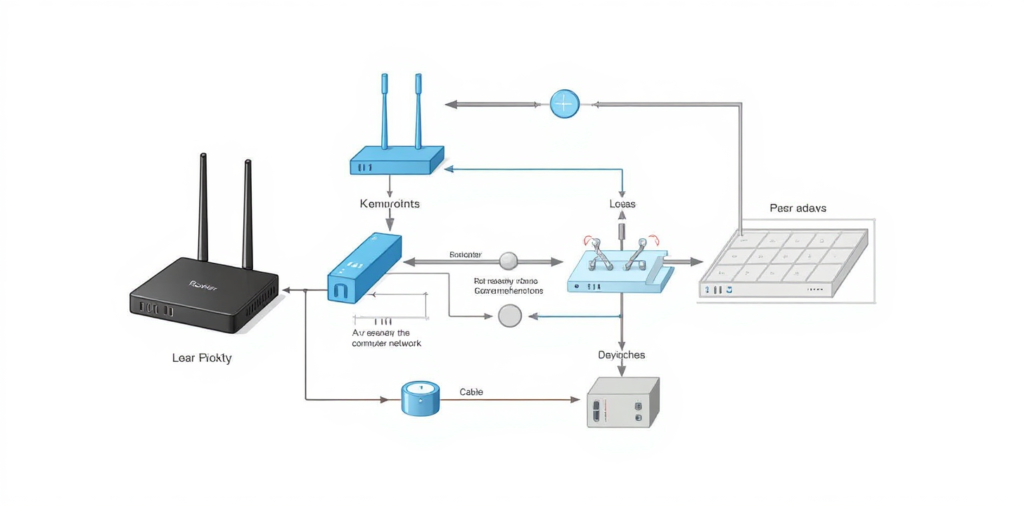
Routers
A router is a hardware device in a computer network that helps manage communication among different networks. For instance, when sending data through the internet, routers help determine the best way for the data to get to its destination. Routers are essential in facilitating communication between different networks and the internet.
Switches
A network switch is a hardware device in a computer network that helps connect different computers in a network and manage communication among the connected computers in a network. It helps in ensuring that data is delivered to the intended device in a network and not broadcasted to all the computers in the network.
Modems
A modem is a hardware device in a computer network that helps in facilitating communication between a network and an internet service provider. It helps in converting computer digital signals into formats that can be transmitted through communication lines such as cable and fiber networks.
Wireless Access Points
Devices like smartphones, laptops, and tablets can be connected to a network through wireless access points. These devices provide a Wi-Fi coverage area through which multiple users can access the network.
Networking Models and Communication Protocols
Computer networking is based on the concept of a communication framework that regulates the way devices interact with each other. Two networking models guide the process:
- OSI Model
- TCP/IP Model
OSI stands for Open Systems Interconnection. This networking communication process is divided into seven layers, each of which is dedicated to a particular function in the data transmission process:
- Physical Layer
- Data Link Layer
- Network Layer
- Transport Layer
- Session Layer
- Presentation Layer
- Application Layer
Each layer interacts with the layers above and below it to ensure the proper transmission of data.
TCP/IP Protocol Suite
TCP/IP is a protocol suite used for communication in the internet world. It is the standard protocol for data transmission.
The two main protocols in the TCP/IP protocol suite are:
- Transmission Control Protocol (TCP) – It ensures that data is delivered reliably by checking for errors in the data.
- Internet Protocol (IP) – It manages addressing and routing of data.
Thus, these protocols enable different computer systems all over the world to communicate with each other.
Network Topology – The Arrangement of Networks
Network topology is defined as the physical or logical topology of networks.
Star Topology
In this type of network topology, all the network devices are connected to a central device known as a hub.
Star topology is commonly used in modern Local Area Networks.
Mesh Topology
In this type of network topology, every network device is connected to all other network devices.
Mesh topology is highly reliable since data transmission takes place in different directions.
Hybrid Topology
Today, most networks use hybrid topology, which comprises different topologies.
Thus, it is very efficient and flexible for use in different networks.
Network Security in Modern IT Environments
In recent times, with the expansion of digital connectivity, network security has emerged as a major concern in IT environments. Cyber threats in the form of malware, ransomware, hacking attempts, etc., can affect the security of sensitive information.
Various security measures adopted by organizations for securing their network infrastructure include:
- The use of firewalls for monitoring and controlling incoming network traffic
- The adoption of encryption techniques for securing data during transfer
- The deployment of intrusion detection systems for monitoring potential security threats
- The deployment of authentication systems for validating users’ identities
A modern approach in this regard is referred to as Zero Trust Architecture, which asserts that no device or user should be treated as a trusted party by default. All access attempts must be validated prior to permission grants.
Future Trends in Networking (2026 and Beyond)
The domain of IT networking is evolving at a rapid pace with the introduction of new technologies in this regard. Various trends in this regard are shaping the future of IT networking.
Cloud Networking
Cloud computing provides a platform for creating virtual networks as opposed to physical networks. Cloud computing can be viewed as a virtual infrastructure for creating networks in this regard.
5G and High-Speed Connectivity
The rollout of 5G networks facilitates faster data transfer speeds and lower latency, thereby supporting new technologies such as self-driving cars, augmented reality, and smart cities.
Artificial Intelligence in Networking
Artificial intelligence systems are changing network management by making it possible to monitor and maintain networks in an automated manner.
Edge Computing
Edge computing is a type of computing in which data is processed at its source, eliminating the need to send it to centralized servers for processing.
Related Link
The Complete Computer Networking Guide For Beginners: Master the Art of Computer Networks: From Basic Concepts to Advanced Protocols
Conclusion
Networking is the basis of modern information technology and has enabled global communication and access to online services. From small home networks to global networks, networking has connected billions of devices around the world.
Understanding the basics of networking is essential knowledge for anyone looking to build a career in the field of information technology. By learning the basics of networking, we can develop the skills required to design efficient digital systems.
As emerging technologies like AI, cloud computing, and 5G connectivity continue to evolve, the importance of networking will only continue to grow. Organizations that invest in advanced networking will be able to innovate and stay competitive in the rapidly changing digital environment.
![Perform[cb] Affiliate Marketing Review 2026: Features, Offers & Earnings](https://ofmaq.online/wp-content/uploads/2026/06/ChatGPT-Image-Jun-11-2026-05_29_46-AM-768x419.png)