

How to Use QuickBooks for Small Business Accounting in 2026
Introduction
Accounting is among the most critical factors in ensuring efficient operations in any business entity. Regardless whether you have a startup, online business, consultancy firm, or even a retail store, having clear financial information helps in making wise decisions and managing finances effectively. Many entrepreneurs in the year 2026 use QuickBooks to manage their accounts and simplify accounting processes.
QuickBooks is one of the most reliable accounting programs used by many small business operators worldwide. Through this program, one can keep books, invoice customers, track expenses, perform payroll services, generate taxes, and produce financial statements. Rather than wasting much time organizing accounting information manually, a person can utilize this software to accomplish many things effortlessly.
In this article, we will explore how one can apply QuickBooks to account for his/her business operations in 2026. The process is explained step by step to enhance understanding.
What Is QuickBooks?
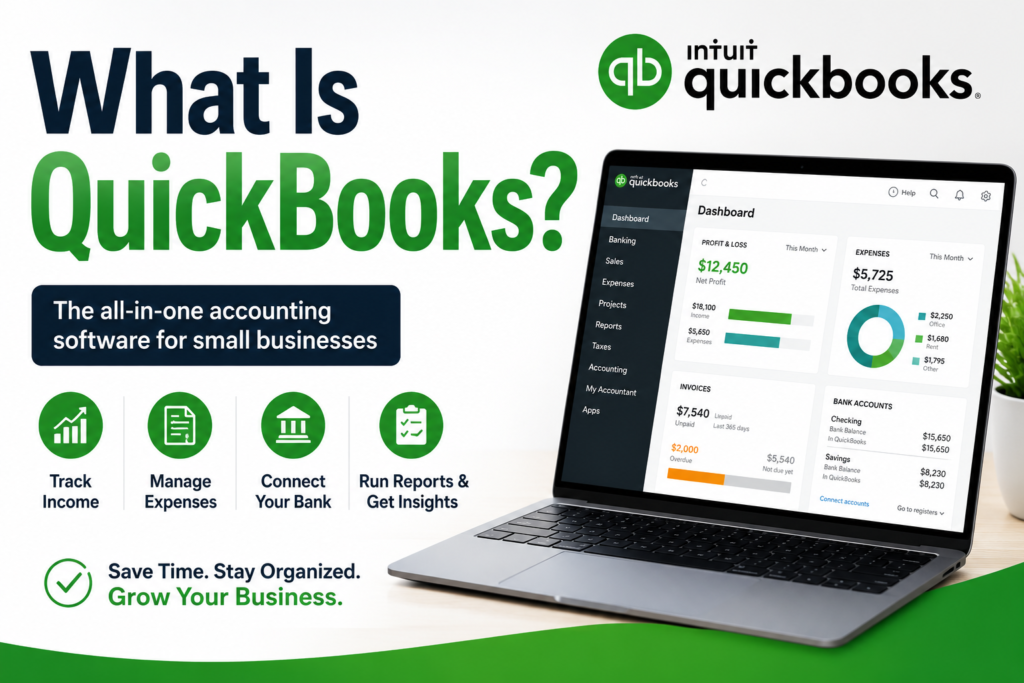
QuickBooks refers to accounting software that is based in the cloud and helps people manage their money activities. It lets people make journal entries, watch over the cash flow, generate invoices, check bank statements, create reports, and compile tax information.
The program is appropriate for freelancers, start-ups, and expanding companies that require a proper method of handling money. Anyone who has no prior knowledge about accounting can easily do the accounting process using QuickBooks.
Why Do Small Business Owners Use QuickBooks?
The reason why small business owners prefer QuickBooks is because it has a variety of accounting functions, making it easier for them to handle all kinds of work. QuickBooks eliminates all manual accounting processes and gives you financial insights right away.
Some advantages that you will get from QuickBooks include:
- Bookkeeping
- Creation of invoices
- Expense tracking
- Payroll processing
- Accounting for taxes
- Generation of financial reports
- Use of cloud service
- Data security
These characteristics assist organizations in saving time and concentrating on development rather than administrative functions.
QuickBooks Set Up for Small Business Accounting
The first step in applying QuickBooks for small business accounting involves proper configuration of the software.
It begins with establishing your organization’s profile. You should enter your company name, industry, address, contact, and tax information. The proper configuration of the company profile enables you to keep your financial statements in order.
Customizing your accounting preferences is the next step. You may customize accounting preferences like fiscal year settings, sales taxes, invoice templates, and payment methods among others, based on your business needs.
It takes some effort but it is worth doing to set a solid basis for your accounting operations.
Connecting Your Bank Account
One of the great advantages of QuickBooks is automated bank synchronization.
After configuring your account, link your business bank accounts and business credit cards. The software automates your transaction entries to avoid manual data entry.
Some of the advantages of automated bank synchronization include:
- Balance checking
- Automatic tracking of expenses
- Transaction categorization
- Reconciliation process made easier
- Reduction of accounting mistakes
Frequent review of the imported transactions ensures that your data is correct.
Creation of the Chart of Accounts
The chart of accounts is considered the foundation of your accounting system.
By default, QuickBooks will create a chart of accounts according to your business type; however, you may adjust it as necessary.
The usual account types used include:
Assets
These assets refer to all things that your business owns, whether it is cash, inventory, machinery, or accounts receivable.
Liabilities
Liabilities are the loans and other financial obligations incurred by your business, such as accounts payable or outstanding payments made on a credit card.
Income
Income accounts include all sources of money that are earned from the products and services of your business.
Expenses
These expenses refer to any amount of money spent for business purposes, such as rent, utility bills, advertising costs, and office supplies.
Recording of Income
Proper recording of income is crucial for evaluating your business’ performance.
QuickBooks provides methods of recording income via invoices, sales receipt records, or direct deposit transactions. All of these automatically categorize the income recorded.
It is imperative for business owners to properly document all sources of income.
Creation of Professional Invoices
Among the most popular QuickBooks applications is invoicing.
You can create invoices with professional-looking templates which will include your company logo, terms of payment and branding.
To create a professional invoice:
- Insert client information
- Indicate details of products/services rendered
- State due dates of payment
- Insert taxes (where applicable)
- Offer ways of making payment online
Professional invoicing makes the customer experience better and speeds up the payment process.
Managing Accounts Receivable
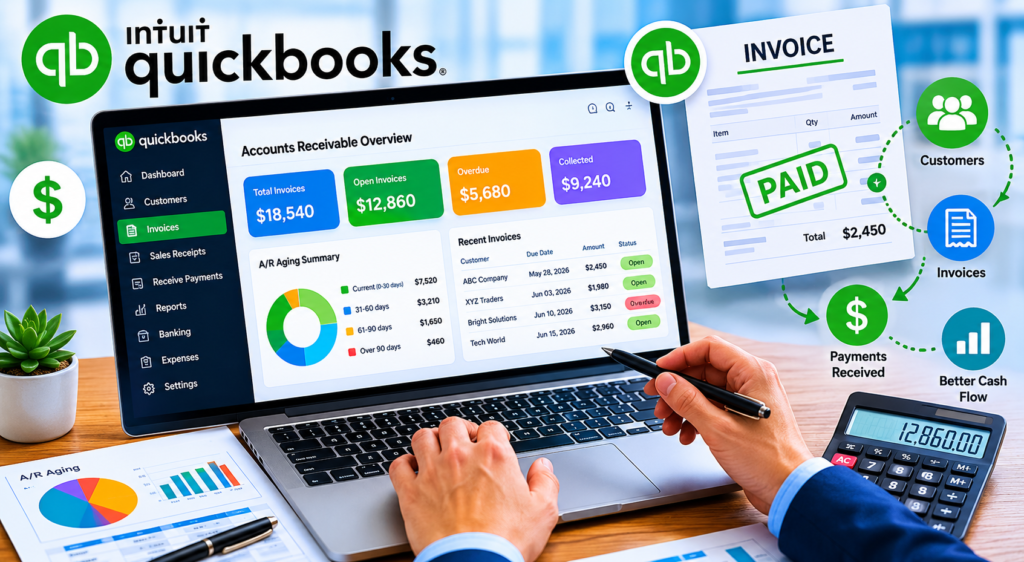
The accounts receivable are amounts due from customers.
With QuickBooks, you will be able to keep track of unpaid invoices as well as automatically send payment reminders to clients. This feature helps improve cash flow.
The owner should make regular reviews of receivable reports for outstanding bills and collect payments.
Effective receivable management contributes to stability and growth.
Tracking of Business Expenses
Expenses tracking is an important part of business accounting.
QuickBooks categorizes transactions from banks and you can enter expenses whenever necessary.
Examples of expense categories may include:
- Advertising
- Rent
- Utility bill
- Wages
- Stationery
- Transport costs
- Software costs
Expense tracking helps you to keep track of your profitability and take advantage of deductions.
Manage Bill and Accounts Payable
QuickBooks makes managing vendor bills easier for any organization.
Instead of dealing with payments only when it becomes due, payment scheduling can be done using QuickBooks.
Advantages of Bill Management are:
- Better cash flow planning
- Enhanced relationships with vendors
- Lower late payments
- Accurate tracking of liabilities
Reviewing the payable account on a regular basis eliminates financial surprises.
Inventory Management
Inventory management plays a crucial role for businesses dealing with products.
QuickBooks gives tools for keeping track of your inventory, product cost and sales activities.
You can:
- Track inventory quantity
- Profitability of your products
- Alerts for low inventory
- Improves purchasing decisions
Inventory management saves wastage and increases efficiency.
Payroll Management
Salary payments are among the most substantial expenses of an enterprise.
QuickBooks payroll automates salaries, taxation, direct deposits, and payroll reports.
Payroll automation ensures:
- Accurate payroll
- Helps in maintaining compliance with taxes
- Saves time spent on payroll preparation
- Efficient payroll management
Enterprises with employees will save much time with QuickBooks payroll.
Bank Accounts Reconciliation
Reconciliation of bank accounts ensures that your accounting records match bank transactions.
This is made easier through QuickBooks since transactions can be imported and compared to your accounting records.
Some of the advantages of reconciling bank accounts regularly include:
- Error detection
- Identification of any double-counted transactions
- Fraud prevention
- Ensuring accuracy of financial records
Many businesses reconcile their bank accounts on a monthly basis.
Generation of Financial Reports
Financial reports offer essential information about the performance of a business.
QuickBooks automatically creates many kinds of financial reports including:
Profit and loss statement
This report shows revenue, expenses, and net profit within a certain period.
Balance sheet
The balance sheet contains information about your assets, liabilities, and owner’s equity.
Statement of Cash flows
Cash flow statements show cash inflow and outflow within the business.
Accounts receivable statement
Contains information about all unpaid bills from customers.
Accounts payable statement
Contains information about all bills payable to vendors.
Analysis of financial reports can help you make more informed decisions.
Use of QuickBooks in Tax Preparation
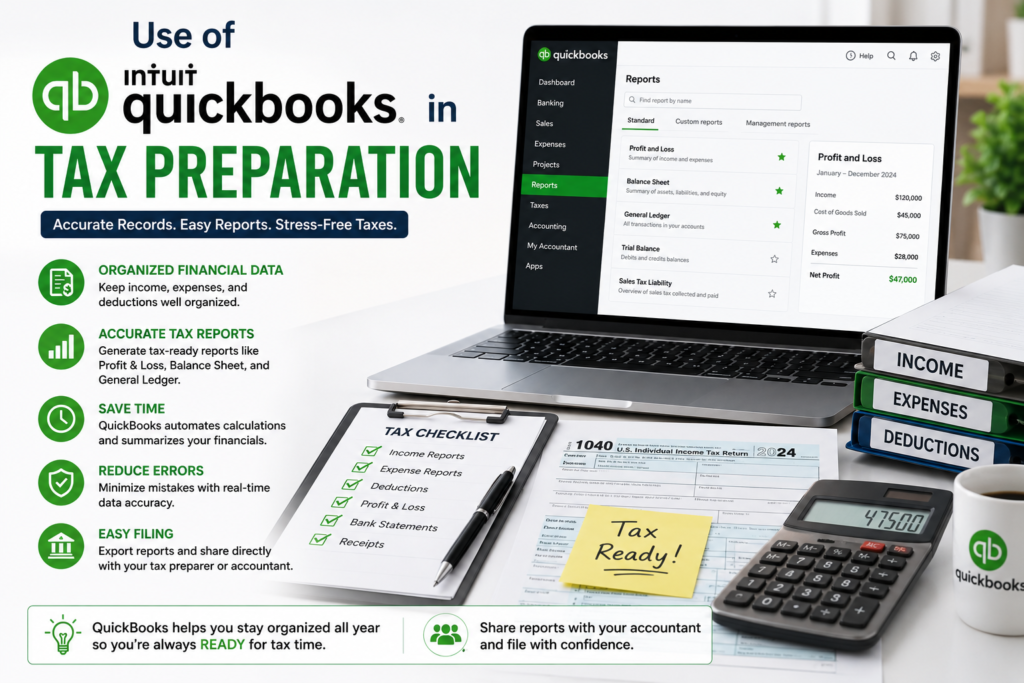
Tax season will be easier if financial records were maintained throughout the year.
QuickBooks maintains all transaction records, income, and expense categories in one place.
Advantages include:
- Efficient tax preparation process
- Proper deduction record keeping
- Reducing the risk of an audit
- Easy cooperation between yourself and an accountant
Maintaining organized records year-round reduces stress during tax season.
Automating Accounting Processes
One of the most important advantages of QuickBooks in 2026 is automation.
The company can automate:
- Invoicing
- Payments reminders
- Categorizing expenses
- Recurring accounting processes
- Creating financial reports
Automation saves time and ensures accuracy.
Cash Flow Monitoring
Cash flow management plays a key role in making sure that a company pays its bills on time.
QuickBooks enables companies to monitor their cash flow on an ongoing basis.
Owners can track:
- Inflow of payments
- Pending invoices
- Bills that need to be paid
- Amounts stored in bank accounts
- Cash flow patterns
Improving visibility into the cash flow helps in creating sound financial plans.
Integration of Third-Party Applications
QuickBooks integrates with many applications used by businesses.
Some of those applications include:
- Online stores
- Customer relationship management systems
- Payment processing solutions
- Payroll systems
- Inventory management applications
Securing Financial Data
Since financial data is very confidential, it needs to be well protected.
Some of the ways QuickBooks secures business financial information include:
- Data encryption
- Cloud-based security
- Multi-factor authentication
- Backup solutions
Accountants can rest assured their clients’ financial data will not fall into the wrong hands by applying these safety measures.
Common Mistakes Made While Using QuickBooks
There are some common accounting mistakes that can easily be avoided by business owners.
These include the following mistakes:
- Combining personal and business expenses
- Not reconciling accounts
- Failing to check financial reports
- Misclassification of expenses
- Procrastination on accountancy tasks
Making sure that the above mistakes are avoided increases accounting efficiency and decision-making capacity.
Using QuickBooks Effectively in 2026
For better accountancy, it is important to consider these best practices:
- Keep financial records up-to-date.
- Check financial statements each month.
- Regularly reconcile bank accounts.
- Carefully monitor cash flow.
- Make regular backups of data.
- Ensure employees are knowledgeable about accounting.
- Consult an expert when need be.
Join our Youtube channel to get more info
Conclusion
The knowledge of using QuickBooks to keep track of accounting for small businesses in 2026 will be a great asset to anyone looking for efficient ways to organize their finances. Through its ability to record revenues and expenditures, process payrolls, and prepare reports, QuickBooks offers a full-fledged accounting system for any contemporary firm.
It is easy to see that once you learn how to use QuickBooks effectively and efficiently, the financial situation of your company will become much clearer due to the automation and regular check-up of all aspects related to accounting. For any freelancer or small business owner, QuickBooks is still among the best accounting programs.
![Perform[cb] Affiliate Marketing Review 2026: Features, Offers & Earnings](https://ofmaq.online/wp-content/uploads/2026/06/ChatGPT-Image-Jun-11-2026-05_29_46-AM-768x419.png)